




Millions of parents rely on WyzeCam as a baby monitor thanks to its HD video, night vision, sound monitoring, and streaming capabilities. But as children outgrow the nursery, that trusty camera can easily gain a new lease on life. Rather than retire it to a drawer, savvy users are enhancing and redeploying it as a key component in their home security strategy, with the help of a few targeted accessories and community-driven hacks.
Why Repurposing a WyzeCam Baby Monitor Makes Sense
- Cost-Effective Upcycle: Skip the $100+ price tags of specialized security cameras; your WyzeCam hardware is already powerful and configurable.
- Resource Efficiency: Reduces electronic waste and maximizes gadget value, one less device to landfill.
- Feature-Rich Security Alternative: Wyze models provide wide-angle views, motion and sound detection, app alerts, two-way audio, and cloud/local recording, rivaling pricier security cams.
- Smart Home Ready: Wyze devices easily integrate with Amazon Alexa, Google Assistant, and IFTTT, making home automation simple.
How Smart Accessories Transform Your WyzeCam
Repurposed WyzeCams work indoors and outdoors, regardless of weather, when paired with the right accessories. You can monitor:
- Front and back doors for package theft or visitors
- Garages, sheds, and backyards for security
- Vacation homes or short-term rentals
- Pets, elderly relatives, or outbuildings
- Temporary setups (garden, event, construction)
Important Points to Note
- All accessories outlined are confirmed as compatible or universally adaptable with WyzeCam models, especially v3, v4, and Pan lines.
- Most are available for Amazon Prime shipping or from Wyze’s official store, enabling quick upgrades.
- Each has been tested by both community members and independent reviewers, so you benefit from collective experience.
- The conversion process is fully reversible; swap back to baby monitoring anytime.
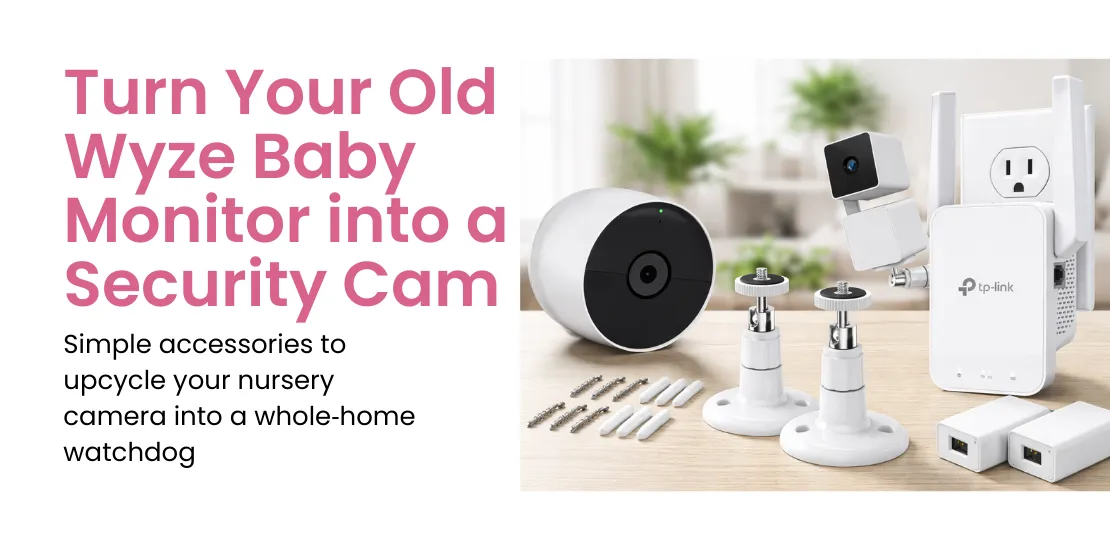
The 7 Best Accessories to Convert WyzeCam
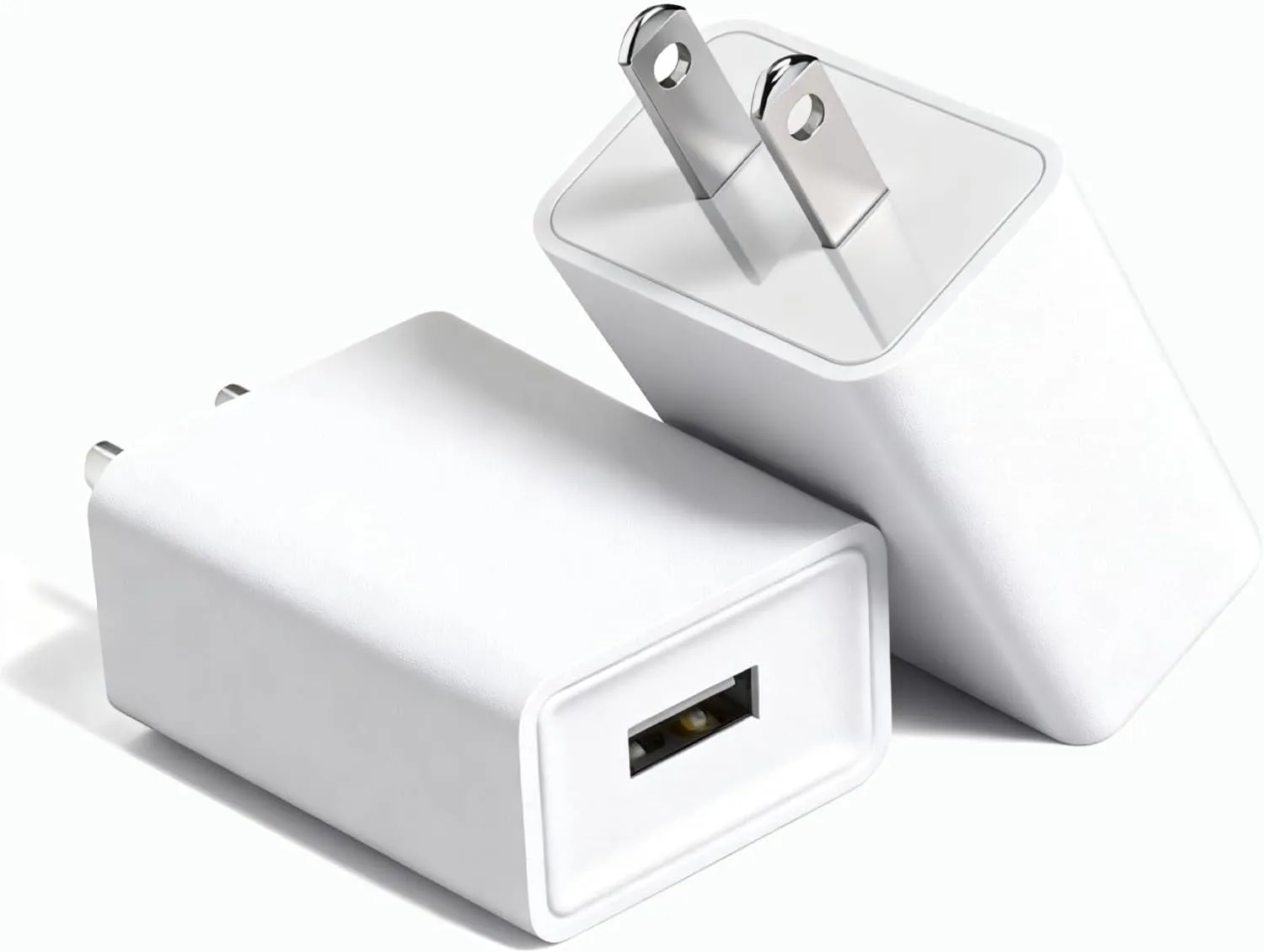
Outdoor Power Adapter

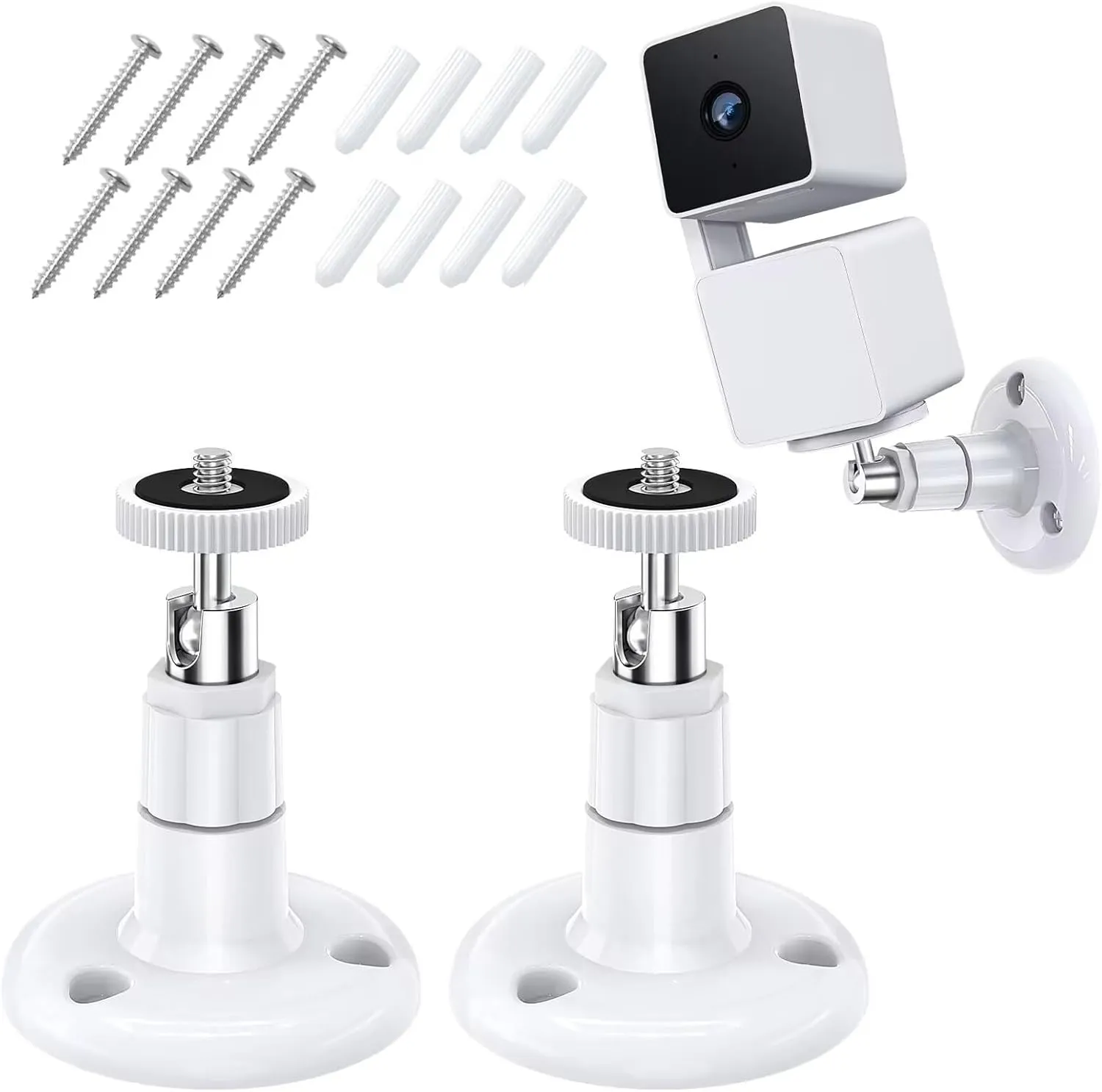
Universal Mounting Bracket
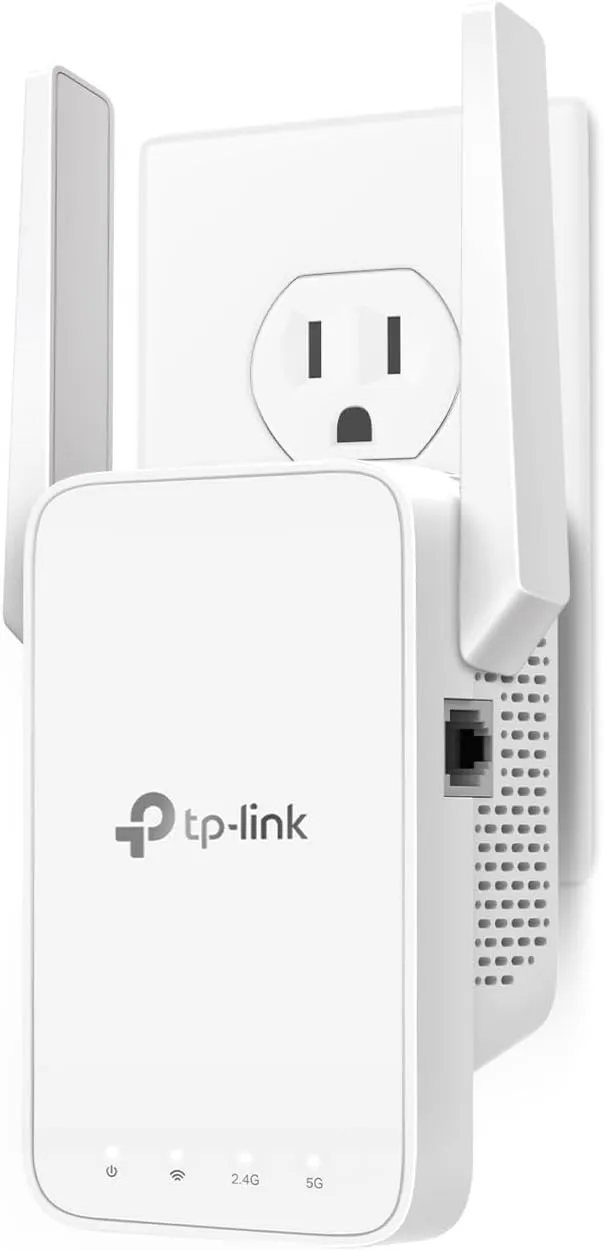
Wi-Fi Range Extender
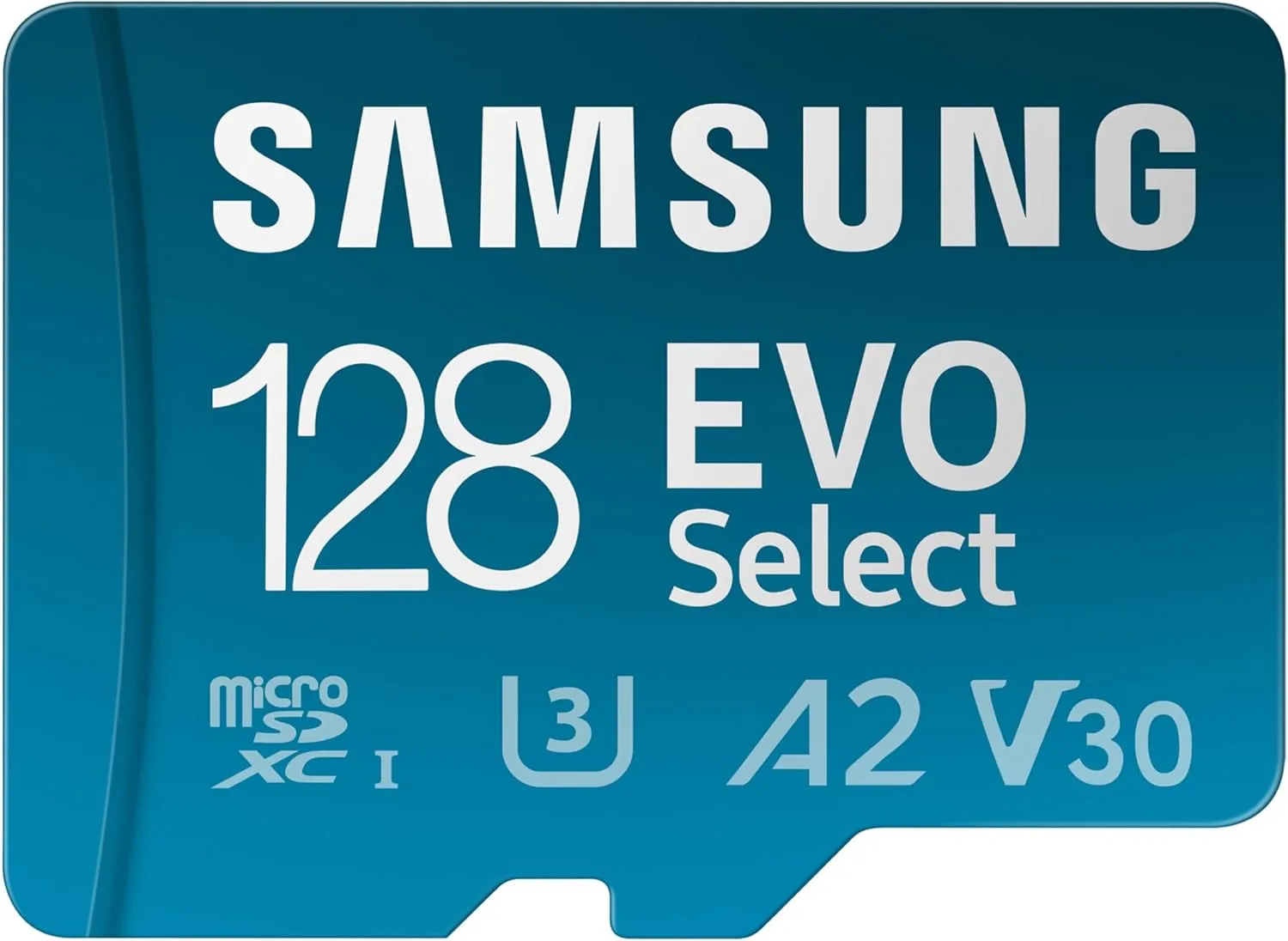
MicroSD Card (32–128GB, Class 10+)
Motion & Sound Detector Add-on
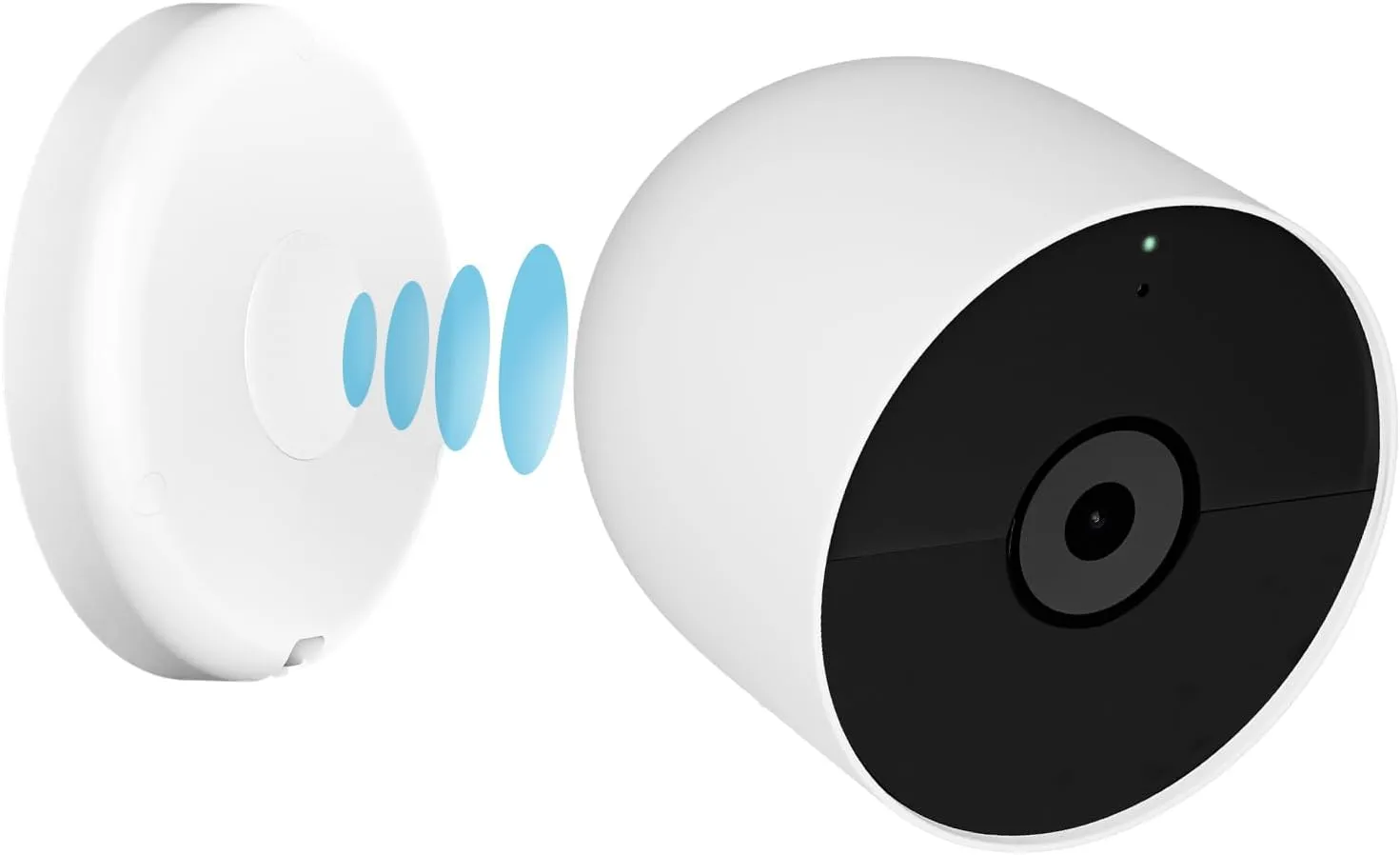
Magnetic Base or Adhesive Plate
1. Outdoor Power Adapter
- Lets you place your WyzeCam outside, providing waterproof connectors and stable voltage.
- Installation Tip: Use rubber grommets or weather-sealing tape for added protection against the elements.
2. Universal Mounting Bracket
- Firmly attaches your WyzeCam to walls, ceilings, mailboxes, fences, even upside down.
- Installation Tip: Pre-plan your camera angle and coverage area before mounting for optimal surveillance.
3. Multi-Port USB-C/USB-A Charging Hub
- Boosts your wireless signal beyond thick walls or to garages/outdoor spots for better connectivity.
- Installation Tip: Place the extender between your router and WyzeCam for the most reliable signal boost.
4. MicroSD Card (32–128GB, Class 10+)
- Enables always-on local recording, so you’re not reliant on unpredictable cloud access.
- Installation Tip: Insert and format the card from the Wyze app before first use.
5. Motion & Sound Detector Add-on
- Adds external sensors for pinpoint, tamper-resistant motion and sound activation.
- Installation Tip: Pair easily via the Wyze app; install at entry points like doors and windows for better alerts.
6. Magnetic Base or Adhesive Plate
- Instantly lets you relocate the camera anywhere magnetic, glass, or tile, perfect for renters or temporary use.
- Installation Tip: Use in high-traffic zones, garages, kitchens, or even car dashboards for temporary security.
How to Choose Accessories for Your WyzeCam Hack Compatibility across Wyze Models and Firmware
- Double-check accessory sizing, voltage, and mounting type for your specific camera version.
- Review Wyze’s firmware notes for updates fixing outdoor usage, accessory support, and memory handling.
- Firmware hacks, such as converting the device to a webcam, are possible if you revert to original software when needed.
Outdoor, Indoor, and Remote Installation
- Only use IP65-rated power adapters and covered brackets for exterior installs.
- Indoors, nearly any mounting solution suffices, opt for magnetic bases for ultimate flexibility.
Security, Quality, and Budget
- Start upgrade with a MicroSD card and mounting kit, then add Wi-Fi extenders and battery packs as needed.
- For the most secure setups, pair a WyzeCam with Wyze’s Cam Plus subscription for smart detection, or Cam Protect for 24/7 professional monitoring.
Examples of Use Cases
- Package theft deterrence: Outdoor adapter, SD card, motion sensor, magnetic window mount.
- Backyard/pet cam: Adapter, weatherproof bracket, Wi-Fi extender.
- Elder/pet monitoring: Flexible, mobile power pack; quick-attach magnetic base.
Frequently Asked Questions
Is it truly safe to use a WyzeCam baby monitor outdoors?
Yes, with IP65 waterproof adapters and covered mounts, WyzeCams handle most climates. Always position them under eaves where possible for maximum coverage and reduced weather exposure.
Can I revert the camera back to baby monitoring?
Absolutely. Simply return the mount to a shelf, swap back to standard power, and reload firmware if you experimented with custom webcam or external alarm firmware. Everything remains plug-and-play.
Where do I go for support and troubleshooting?
Start with Wyze’s official support site for setup guides and firmware downloads. For advanced hacks or accessory pairing, the Wyze forums and prominent tech blogs (plus YouTube) provide step-by-step advice, troubleshooting tricks, and inspiration.
Conclusion
A WyzeCam baby monitor can be so much more than a nursery safeguard. With affordable accessories available in seconds from Amazon or Wyze, and support from a thriving DIY community, you can transform any old camera into a versatile security system for a fraction of the cost of new gear. Whether monitoring your family, property, or pets, this upcycled approach delivers peace of mind, budget savings, and a boost to your smart home credentials.
